Features

See what ImboniAI does for you.

Smart security for the cameras you already have, running privately on your own Windows PC.

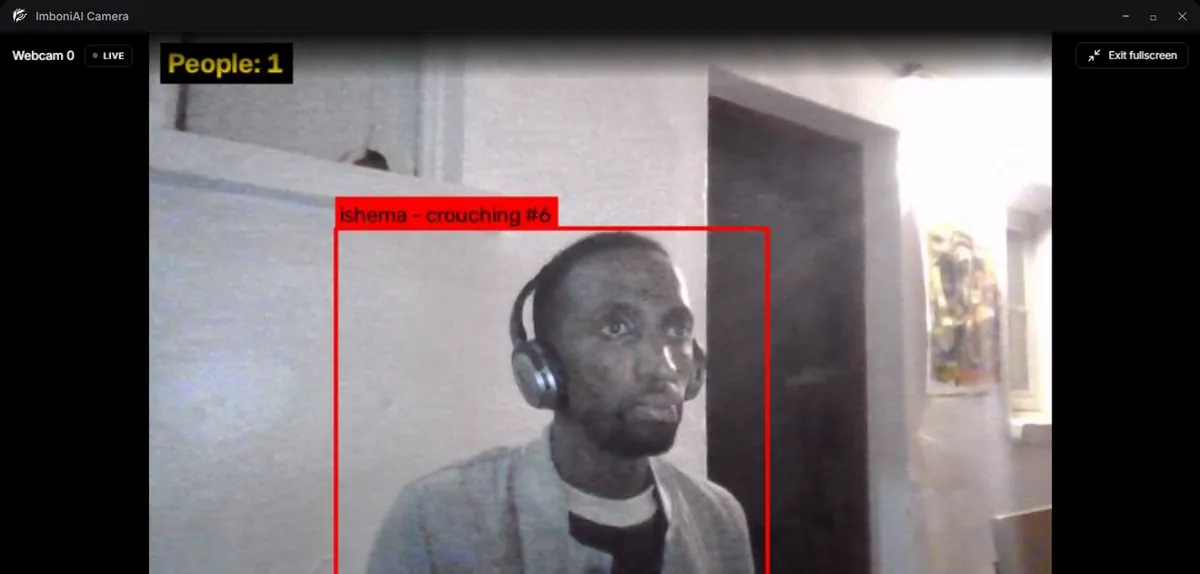
ImboniAI app: Live monitoring

Live monitoring

Watches every camera, day and night.

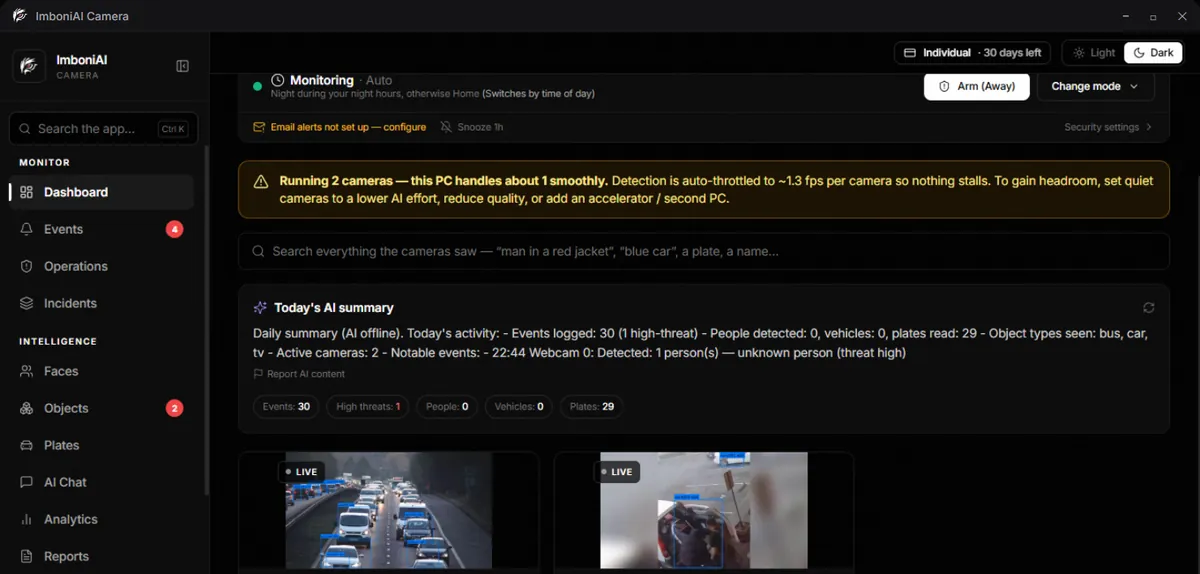
See all your cameras in one place. ImboniAI notices people, vehicles and anything unusual, and tells you what happened in plain words.

  • Works with the cameras you already have
  • A short summary of your day
  • Keeps working without internet
ImboniAI app: Face recognition

Face recognition

Knows the people who belong.

Add your family or staff once. ImboniAI recognises them, and warns you when it sees someone it doesn't know.

  • Familiar faces don't raise alarms
  • Strangers are flagged with a photo
  • Face data never leaves your PC
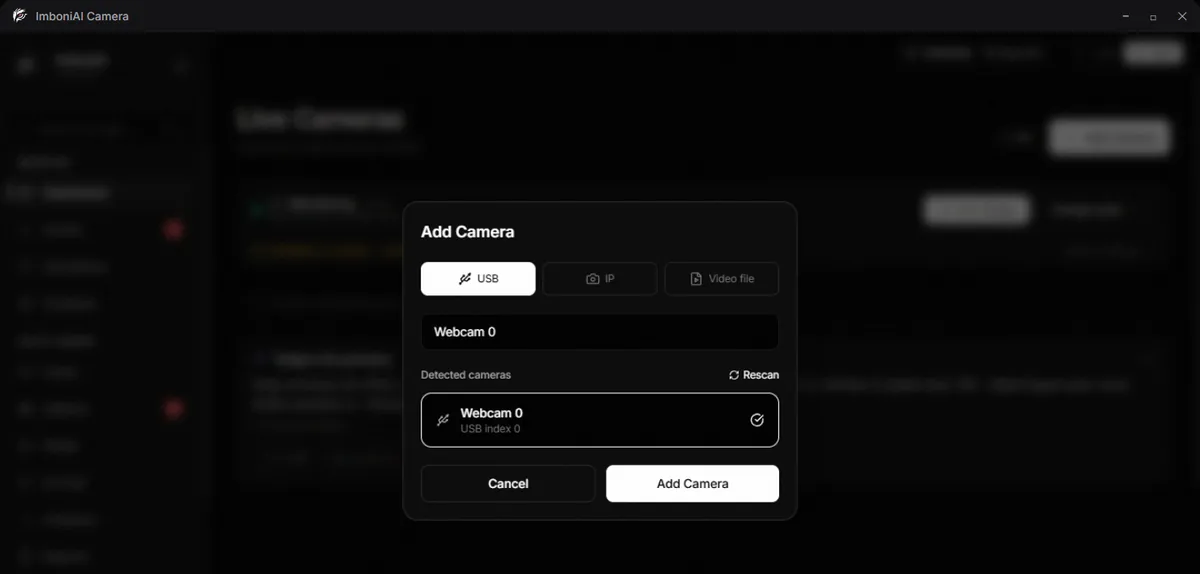
ImboniAI app: Easy setup

Easy setup

Connect a camera in a minute.

Plug in a USB webcam, add an IP or CCTV camera, or open a recorded video to test it. No technician needed.

  • USB, IP and most CCTV / DVR systems
  • Several cameras at once
  • Test with a video file
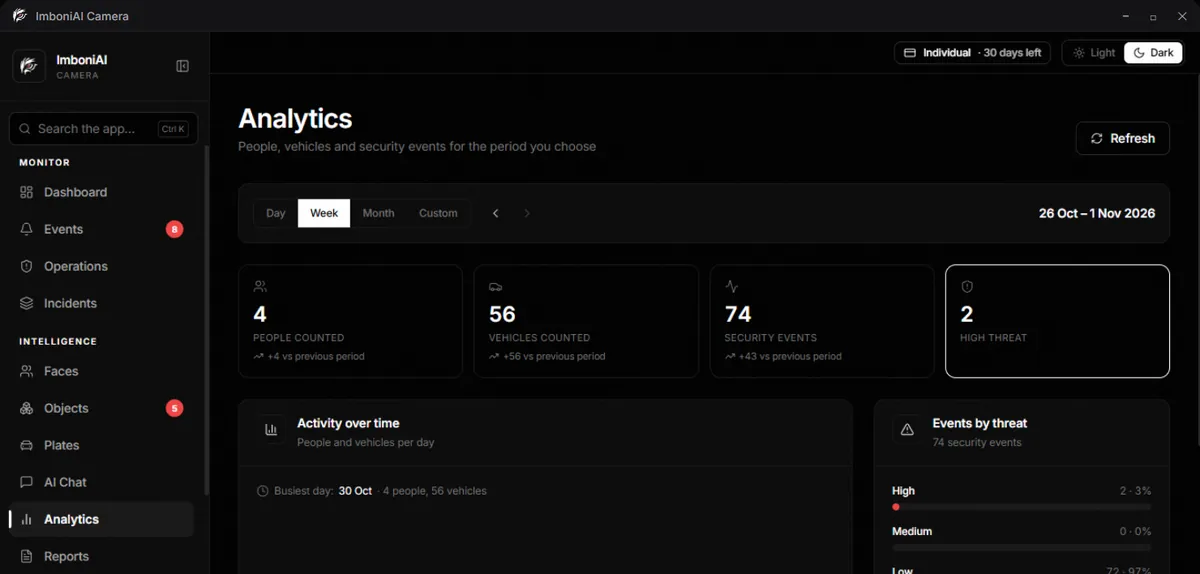
ImboniAI app: Analytics

Analytics

Your day, week or month at a glance.

See when people come and go, how busy each camera is, and what needs your attention, without watching hours of video.

  • By day, week, month or any dates
  • Every event has a photo
  • Spot patterns quickly
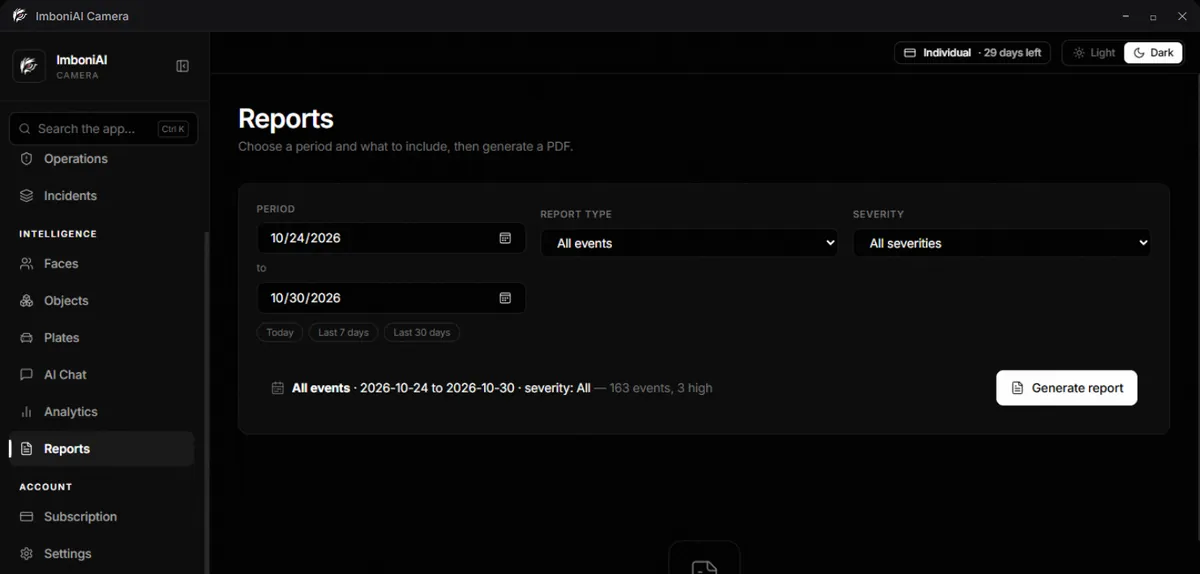
ImboniAI app: Reports

Reports

A written report in one click.

Choose a period and ImboniAI writes a clear PDF report of what happened. Useful for your records, your landlord or your insurer.

  • Any period, type or severity
  • Clear, readable summaries
  • Saved and ready to share
ImboniAI app: Private AI

Private AI

Smart, and it stays on your PC.

The AI runs on your own computer. Ask questions like “who came this morning?” and get answers, while your video stays with you.

  • No cloud, no monthly storage fees
  • Ask in plain language
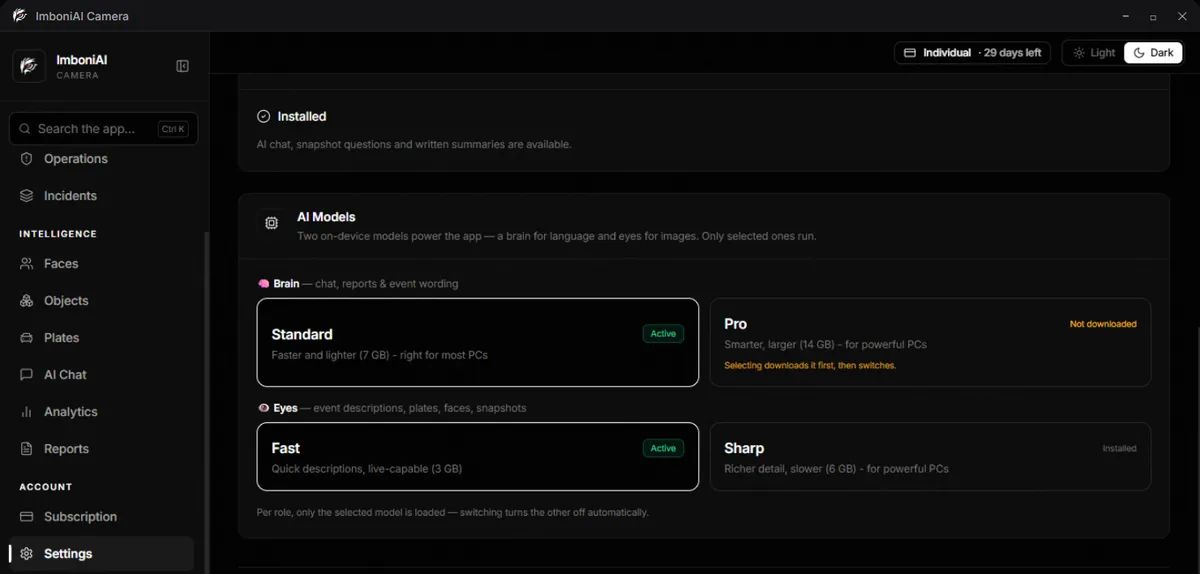
  • Choose the AI that fits your PC

And much more

Fire & smoke warning

An early warning within seconds, and the siren once a fire is confirmed.

Number plates

Reads plates as vehicles come and go, with a searchable log.

Arming modes

Home, Away or Night, with schedules and quiet hours.

Alerts to your phone

A photo of what happened, by email or Telegram, plus a siren.

Zones

Draw areas on a camera and know when someone enters or lingers.

Events & clips

Every incident is saved with a photo and a short clip.

Ask your cameras

Type a question and get an answer from what was recorded.

Why local, not cloud?

Most camera systems send your video to a company's servers. ImboniAI keeps it on your computer — so it is private, works offline, and has no storage fees.

Cloud
ImboniAI
Video uploaded to a company's cloud
✓
—
Monthly cloud storage fees
✓
—
AI works without internet
—
✓
Face data stays on your computer
—
✓
You own the footage
—
✓

Questions

Straight answers.

Including the limits. If something isn't a fit, we'd rather you knew now.

Ready to try it?

Get it from MicrosoftGet it from Microsoft

Windows 10/11 · 16 GB RAM recommended